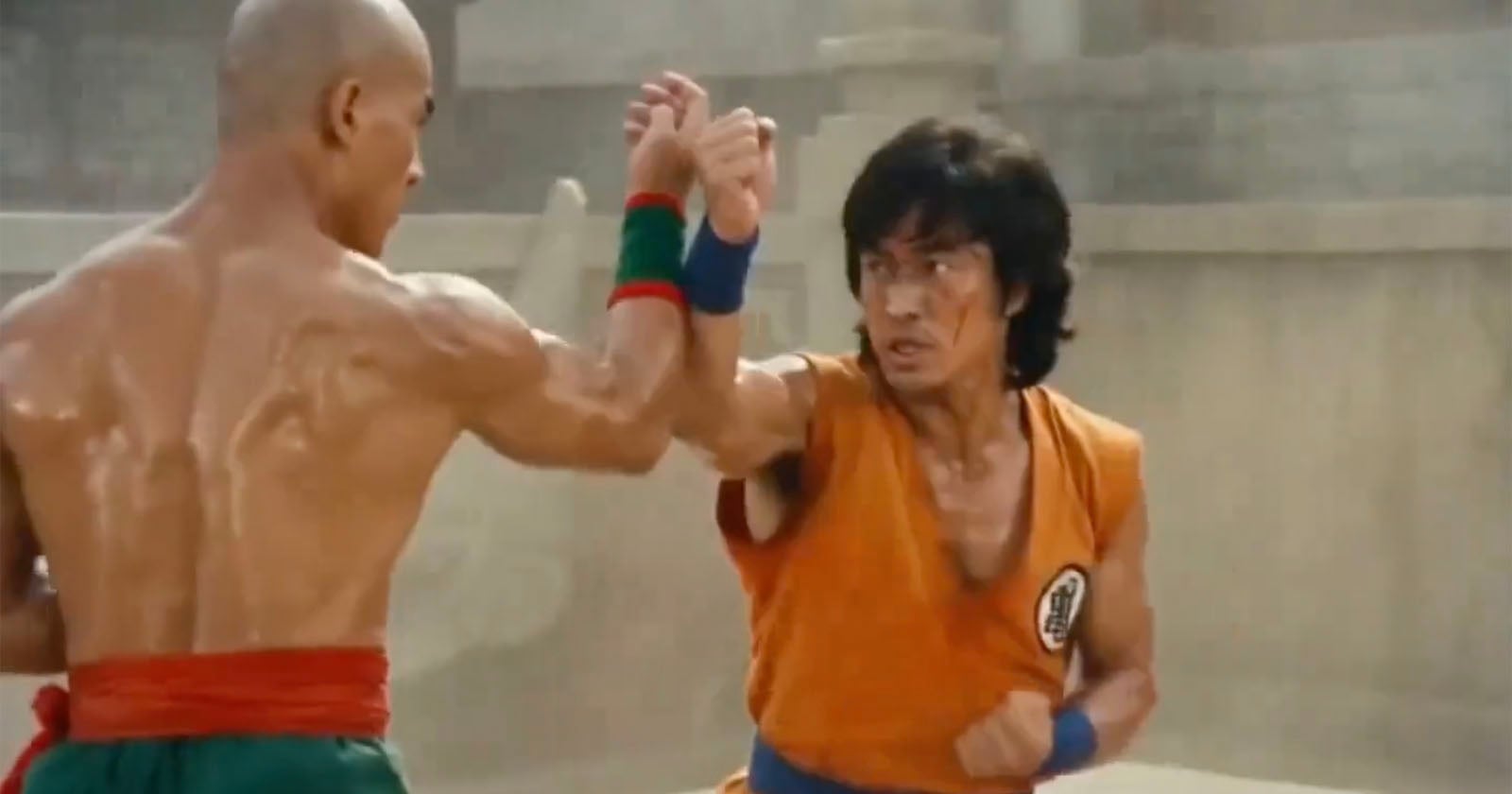
Disney sent a cease-and-desist. The MPA issued a statement. SAG-AFTRA condemned it. An AI video generator launched and rattled all of Hollywood within a single day. It's called Seedance 2.0. ByteDance built it, and you can use it for free.
What Is It?
Seedance 2.0 is an AI video generation model released in February 2026 by ByteDance's Seed research team. Feed it text, images, video, or audio, and it produces up to 15 seconds of 2K-resolution video. So far, that sounds like every other AI video tool, right?
Here's the difference: Seedance 2.0 generates video and audio at the same time. That's the whole point. Previous tools made silent video, then you had to produce audio separately and manually sync lip movements. Seedance 2.0 handles the entire pipeline in one pass. A door closes and you hear it slam. A character speaks and their lips match perfectly.
The fact that ByteDance built this matters. They run TikTok, Douyin, and CapCut — the company that processes more video than arguably anyone else on the planet. They have an unmatched dataset of what "good video" looks like. That's why it went viral on X within hours of launch. One Chinese user posted that "an effect my production partner couldn't nail in a full day, I finished in five minutes."
Here's a breakdown of Seedance 2.0's core capabilities:
- Multimodal input (up to 12 files)
You can feed it up to 9 images + 3 videos + 3 audio files at once. Think of it as giving instructions by file: "this person's face," "this background," "this camera movement," "this musical rhythm." - Native audio generation
Dialogue, sound effects, and background music are generated alongside the video. It supports lip-sync in 8 languages and can even cut to the beat of a music track. - Character consistency
Across multiple scenes, a character's face, clothing, and body type stay the same. This was the single biggest complaint with earlier models, and it's been addressed.
Know the copyright risks before you use it
Users immediately started mass-producing videos of Spider-Man, Darth Vader, and Baby Yoda with Seedance 2.0. Disney sent a cease-and-desist, and Paramount followed suit. The MPA called it "copyright infringement," and SAG-AFTRA issued its own statement. If you're using this commercially, only reference assets you own the rights to.
What's Different?
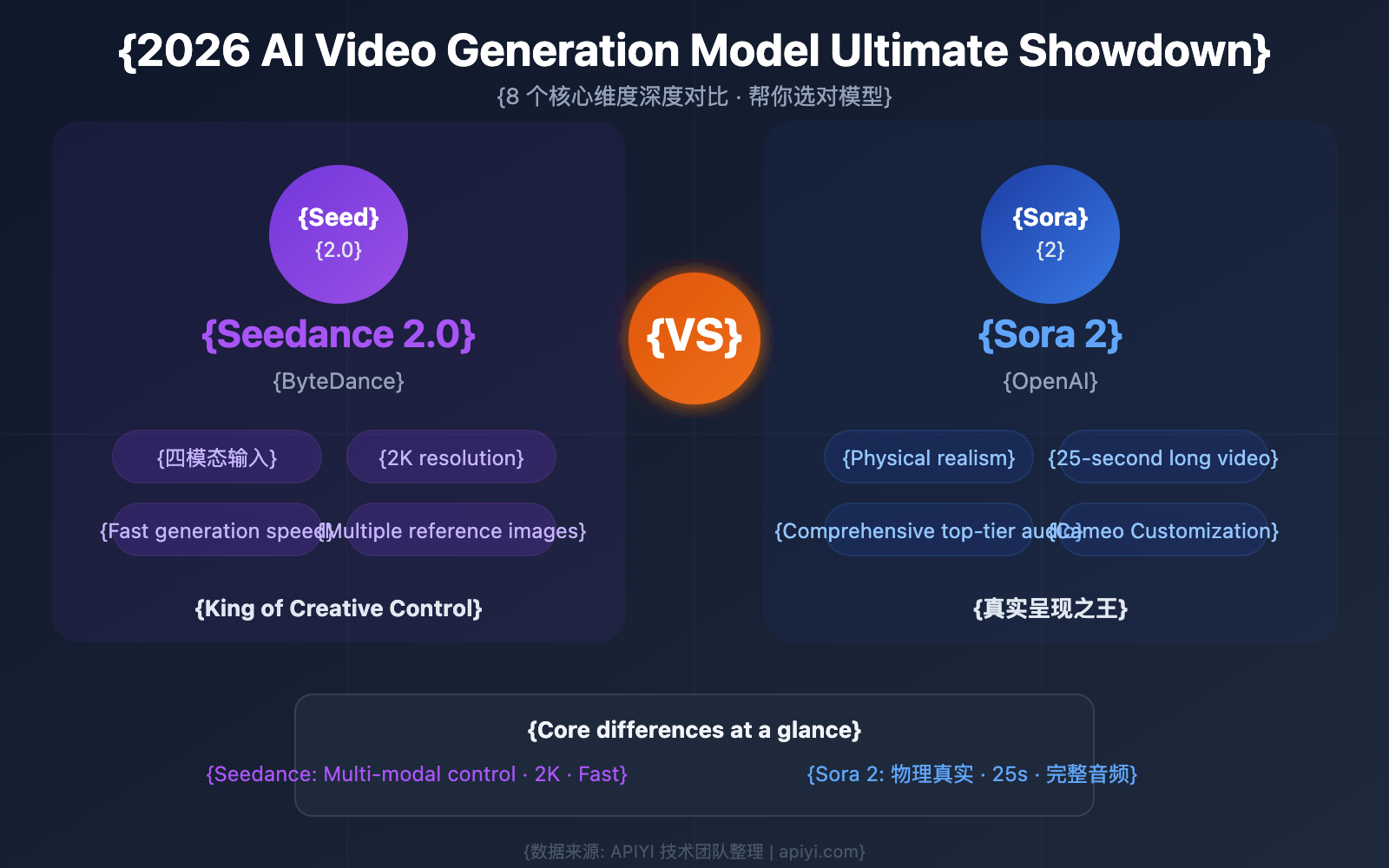
There's no shortage of AI video generators — Sora, Veo, Kling, Runway. But most of them produce silent video, leaving you to add audio separately. Seedance 2.0 collapses that entire workflow into one step.
| Traditional workflow | Seedance 2.0 | |
|---|---|---|
| Audio | Silent video → separate audio production → manual sync | Video + audio generated together |
| Lip-sync | Requires a separate lip-sync tool | Native lip-sync in 8 languages |
| Resolution | Mostly 1080p | Up to 2K (2048x1080) |
| Reference inputs | Text + 1–2 images | Up to 12 (image/video/audio/text) |
| Character consistency | Appearance shifts between scenes | Consistent across multiple scenes |
Here's how it stacks up against specific competitors:
| Model | Native audio | Max length | Resolution | Key strength |
|---|---|---|---|---|
| Seedance 2.0 | Yes | 15s | 2K | Simultaneous audio, 12 reference files |
| Sora 2 (OpenAI) | No | 60s | 1080p | Long clips, best physics accuracy |
| Kling 3.0 (Kuaishou) | No | 10s | 1080p | Fast generation, motion brush |
| Veo 3.1 (Google) | Yes | 8s | 4K | Highest resolution, Google Cloud integration |
Seedance 2.0's core differentiator is "audio included, out of the box." One Hacker News user called it "the first model where audio doesn't feel like an afterthought." That said, the 15-second cap is a real limitation. If you need longer clips, Sora 2 (up to 60 seconds) is the better choice.
Pro tip: Assign roles to your reference files
Writing longer text prompts isn't as effective as distributing roles across your reference files. For example: one image for "subject," two images for "background mood," one video for "camera movement," one audio clip for "rhythm reference."
Quick Start Guide
- Access the tool
You can use Seedance 2.0 at jimeng.jianying.com (Jimeng) or in the CapCut app. A third-party service at seedance2.so also offers free trials. - Prepare your references
You can upload up to 12 files, but start simple: 1–2 images + a text prompt. Something like "product front shot + 15-second video of someone holding it in a café setting." - Generate & review
A 1080p, 5-second clip takes roughly 90 seconds to 3 minutes. Review the output, then tweak specific parts with text commands — no need to regenerate the entire clip. - Iterate & refine
Use the first pass to nail the shot composition, then refine the style on the second pass. For music videos, upload the audio first and keep your instructions concise: "cut every 2 seconds on the beat." - Download & deploy
Download the finished video and use it for social media, ads, or product demos. If it's commercial work, remember: only use reference assets you have the rights to.