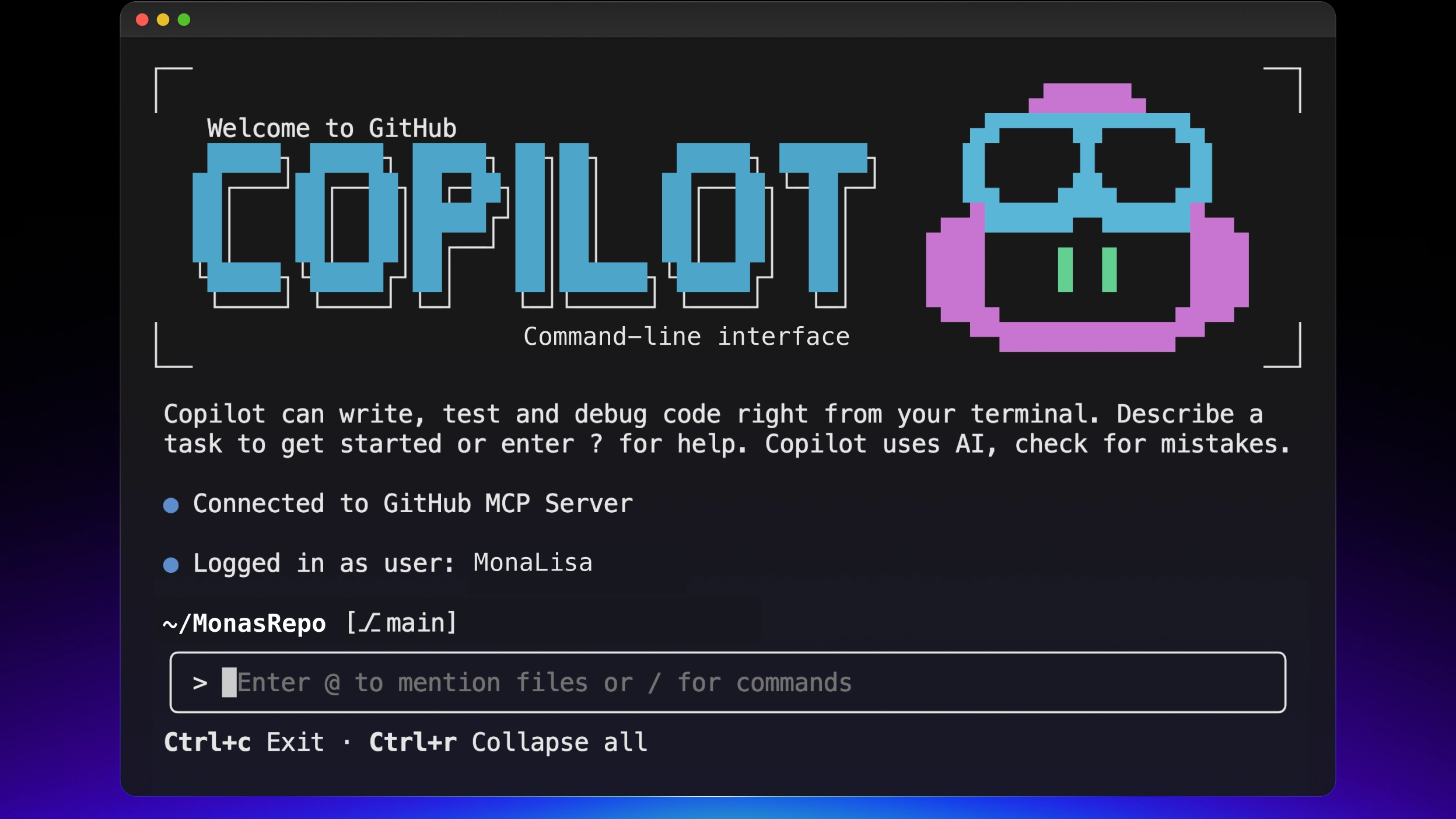
Add a single & character before your prompt in the terminal, and an AI agent writes code in the cloud, creates a branch, and opens a PR for you. Your local terminal is freed up immediately. GitHub Copilot CLI went GA on February 25, 2026, after 9 months of preview.
What is this?
It's a terminal-native coding agent built by GitHub. Not autocomplete inside an IDE — you say "fix this bug" in natural language from the terminal, and it reads files, modifies code, runs tests, and if they fail, fixes them again all the way through without human intervention.
It started as a public preview in September 2025, was refined over 9 months, and went GA in February 2026. It evolved from a simple terminal assistant into a "full agentic development environment."
Two things set it apart from other terminal AI tools (Claude Code, Gemini CLI, etc.):
Copilot CLI's unique weapons
1. Multi-model — Switch between Claude, GPT, and Gemini mid-session with /model. You can swap models based on the nature of the task.
2. GitHub-native integration — Natural language access to Issues, PRs, Actions, and Codespaces. No extra setup needed.
Installation is a one-liner:
# macOS/Linux
brew install copilot-cli # or npm
npm install -g @github/copilot # or shell script
curl -fsSL https://gh.io/copilot-install | bash
If you have a Copilot Pro ($10/mo), Pro+ ($39/mo), Business ($19/user/mo), or Enterprise ($39/user/mo) subscription, you can use it at no additional cost.
What changes?
The old Copilot was an autocomplete tool suggesting code line by line inside the editor. Copilot CLI is an entirely different paradigm. Let's cover three key changes.
1. & background delegation — an agent that doesn't hog your terminal
Add & before your prompt and the task gets handed off to the Copilot coding agent in GitHub's cloud. The agent creates a new branch, writes code, and opens a draft PR. Your local terminal is freed immediately so you can keep working on other things, and you can use /resume anytime to check progress or pull results locally.
Delegate tasks like refactoring or test fixes that take 20+ minutes, go do something else, and just review the PR when it's done.
2. /fleet — parallel sub-agent execution
The /fleet command splits an implementation plan into independent subtasks and has sub-agents process them simultaneously. For example, say "refactor these three modules separately" and three sub-agents work in parallel, merging the results. Sub-agents use low-cost models by default, but you can specify models like "use Claude Opus for this part."
3. Autopilot mode — autonomous execution without approvals
Hit Shift+Tab to enable Autopilot mode, and the agent runs plan → execute → test → iterate autonomously without stopping in between. You can limit the max iterations with the --max-autopilot-continues flag, and it shows premium request consumption in real time.
| Old Copilot (Editor) | Copilot CLI | |
|---|---|---|
| Work unit | Line-to-function level suggestions | Multi-step task autonomous execution |
| Model selection | Fixed in settings | Switch mid-session with /model (7+ models) |
| Parallel processing | Not possible | Parallel sub-agents via /fleet |
| Background | Not possible (occupies editor) | Cloud delegation with a single & |
| GitHub integration | PR suggestion level | Native access to Issues, PRs, Actions, Codespaces |
| Extensibility | IDE extensions | MCP servers, plugins, skills, hooks |
Good to know the cost multipliers per model. Per premium request, Claude Opus 4.6 is 3x, Claude Sonnet 4.6 and GPT-5.3-Codex are 1x, and Claude Haiku 4.5 is 0.33x. With the Pro plan's 300 requests, using only Opus effectively gives you 100, while primarily using Haiku stretches it to 900.
The essentials: how to get started
- Install
macOS/Linux via Homebrew (brew install copilot-cli), Windows via WinGet (winget install GitHub.Copilot), or npm (npm install -g @github/copilot). Pre-installed in GitHub Codespaces. - Authenticate
First run prompts GitHub account authentication. If you have an existing Copilot subscription, you're ready to go. Business/Enterprise requires admins to enable CLI on the Policies page. - Give it your first task
From your project directory, just type something likecopilot "Update this project's README to reflect the current state"in natural language. The agent reads files, shows a modification plan, and executes upon approval. - Enable Autopilot mode
Press Shift+Tab to skip approval steps and switch to autonomous execution mode. Start safe with--max-autopilot-continues 5and gradually increase. - Try background delegation
Type something like& raise test coverage above 80%with & at the front, and the cloud agent handles it. Check with/resume, and if you like the result, just merge the PR.
Good to know
The Pro plan's 300 monthly premium requests might seem generous, but using expensive models like Claude Opus 4.6 (3x multiplier) cuts the effective count to 100. There's also no offline mode, so internet connection is always required. Autopilot mode works best on well-defined tasks (fixing tests, refactoring, CI repairs). For ambiguous requests, use Plan mode first to map things out.