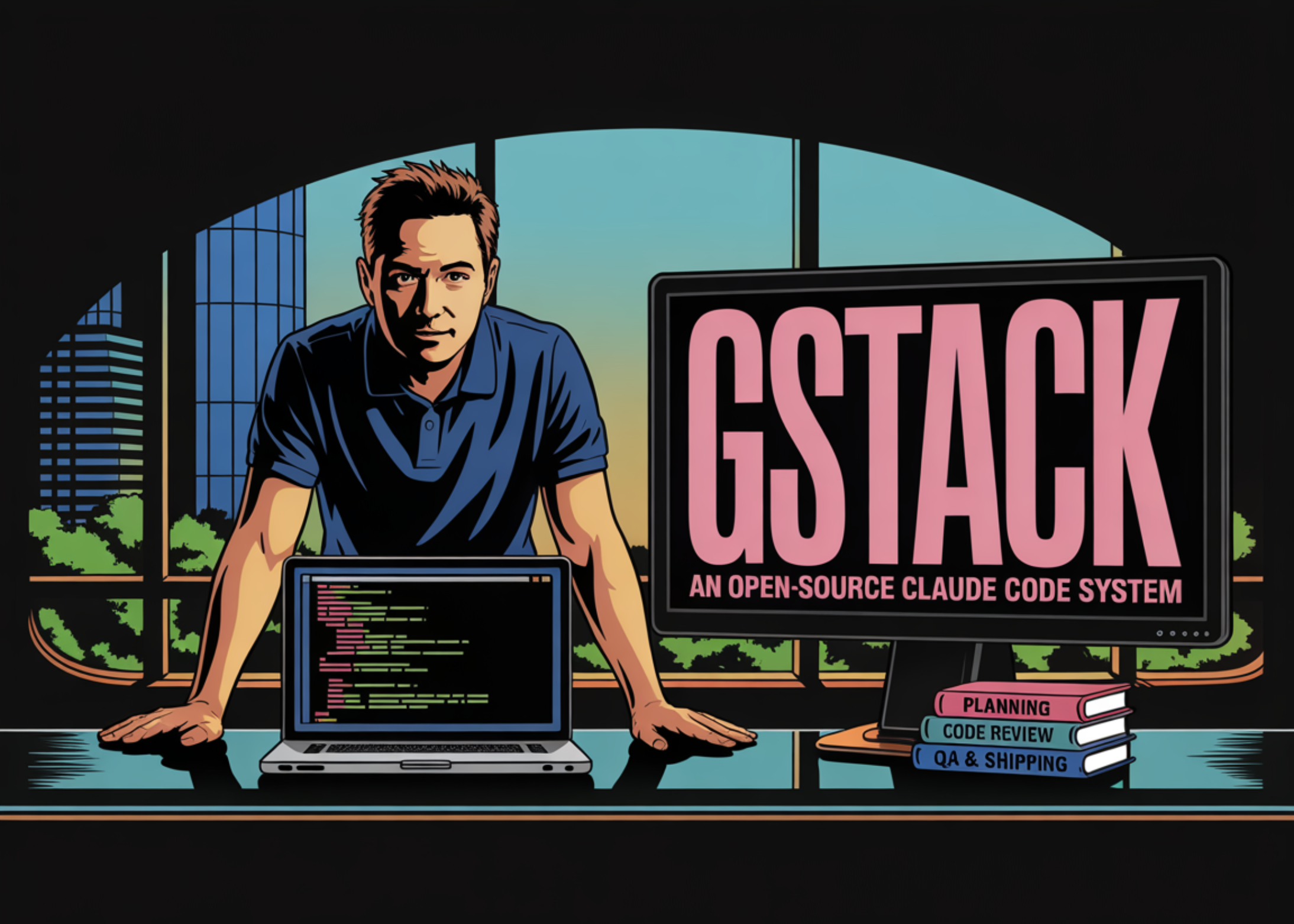
If you use Claude Code, you've probably wondered: "Can I use this more systematically?" Y Combinator CEO Garry Tan just answered that question by open-sourcing gstack. It crossed 45,000 GitHub stars within two weeks of release.
What Is It?
gstack is a collection of custom slash commands for Claude Code. The core idea is simple: instead of telling AI "write code," you assign it a role — "you're a QA lead" or "you're a senior designer."
There are 28 skills total, each mapped to a specific expert role. A CEO reviews product direction, an engineering manager locks architecture, a designer catches AI slop, QA opens a real browser for testing, and a release engineer opens PRs.
Installation takes 30 seconds — one git clone command. Every skill is a Markdown file you can read and modify. No SaaS dependency, no telemetry. MIT licensed.
What Makes It Different?
The typical AI coding workflow: you prompt, AI responds, you judge. The problem is a single AI session reviewing its own code creates a "self-affirmation spiral" — it rarely catches its own mistakes.
gstack breaks this pattern. Different "experts" handle each stage, so the next stage independently verifies the previous one's output.
| Stage | Key Skills | Role |
|---|---|---|
| Planning | /office-hours, /plan-ceo-review |
6 forcing questions that challenge assumptions YC-style |
| Design | /plan-eng-review, /plan-design-review |
Architecture lock-in, design scoring 0-10 |
| Development | /review, /investigate |
Staff-level code review, systematic debugging |
| Testing | /qa, /cso |
Real-browser QA, OWASP Top 10 + STRIDE security audit |
| Deploy | /ship, /land-and-deploy |
One-command PR to production health check |
| Reflect | /retro |
Weekly retrospectives with shipping streaks |
The /browse skill stands out — it connects Claude Code to an actual Chromium browser for click-and-screenshot automation. Cold start is 3-5 seconds, subsequent commands run at 100-200ms. Cookies and login state persist across sessions for authenticated testing.
The /codex skill calls OpenAI's Codex CLI for a "second opinion" — a competing model reviews Claude's code. Cross-model analysis as a concept is fascinating.
This is my open source software factory. I use it every day. I'm sharing it because these tools should be available to everyone.
— Garry Tan, Y Combinator CEO
The Controversy
Not everyone's a fan. TechCrunch described the reaction as "so much love, and hate."
Two main criticisms: First, many developers had already built similar prompt sets privately — gstack isn't technically groundbreaking, it just got outsized attention because of Tan's position as YC CEO.
Second, safety concerns. A developer on Hacker News shared a case where a Claude Code agent spent 70 minutes injecting staging URLs into production configs while showing green exit codes. The faster autonomous agents get, the more guardrails matter.
Caution: The Double Edge of Autonomous Agents
gstack includes safety skills like /careful, /freeze, and /guard, but for production environments, consider adding an independent audit layer. Always balance speed with control.
How to Get Started
- Make sure Claude Code is installed
gstack runs on top of Claude Code. You'll need an Anthropic subscription, plus Bun v1.0+ and Git. - Run the 30-second install
git clone https://github.com/garrytan/gstack.git ~/.claude/skills/gstack && cd ~/.claude/skills/gstack &&./setup - Start with /office-hours
Don't jump into code. Start with 6 forcing questions that challenge whether you should build the feature at all — that's gstack's philosophy. - You don't need all 28 skills
Just/reviewand/qaalone can noticeably improve code quality. Pick what fits your workflow. - Customize it
Every skill is a Markdown file. Adapt them to your team's conventions, tech stack, and review standards. Using them as-is is only half the value.
Key Insight
The real value of gstack isn't the 28 commands themselves. It's the pattern: "splitting AI into role-based specialists produces better results than treating it as a generalist." This pattern applies beyond coding — content creation, data analysis, customer support, and more.